Anydesk
AnyDesk, a fast remote access to computers

Safe & Secure
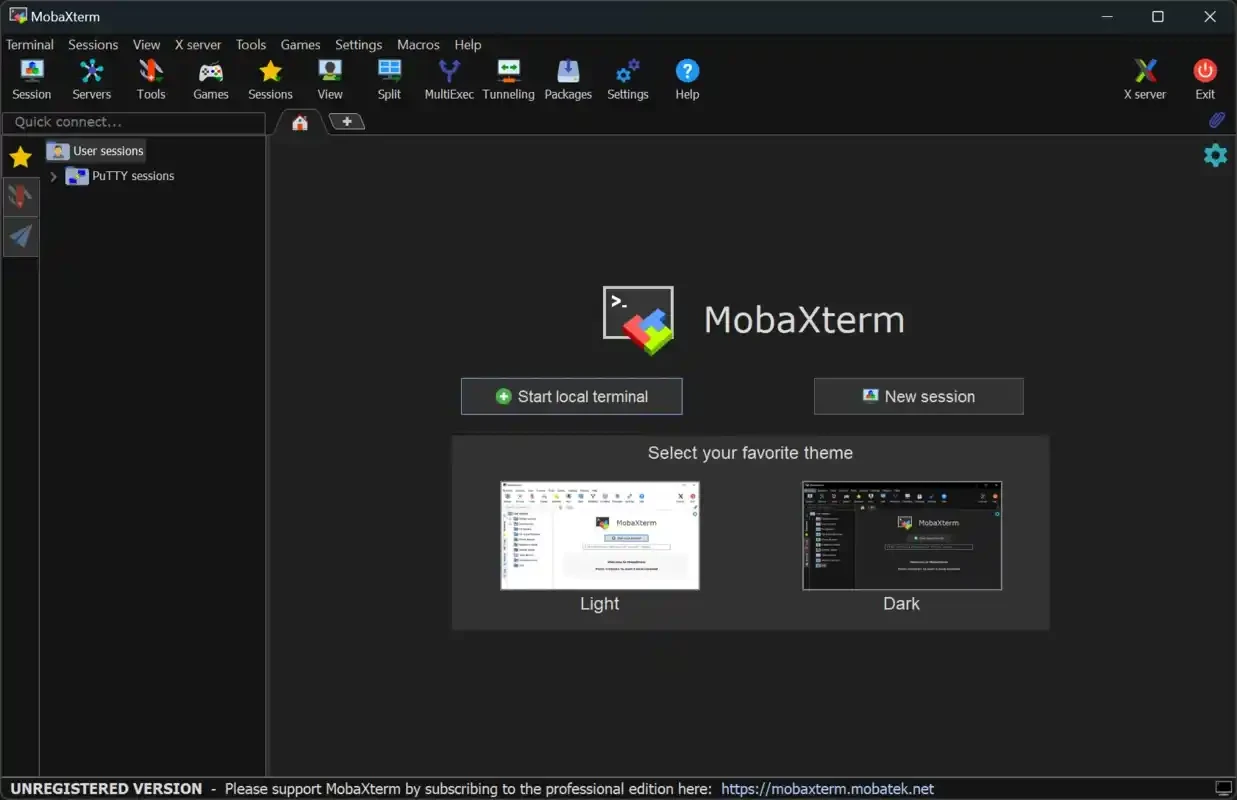
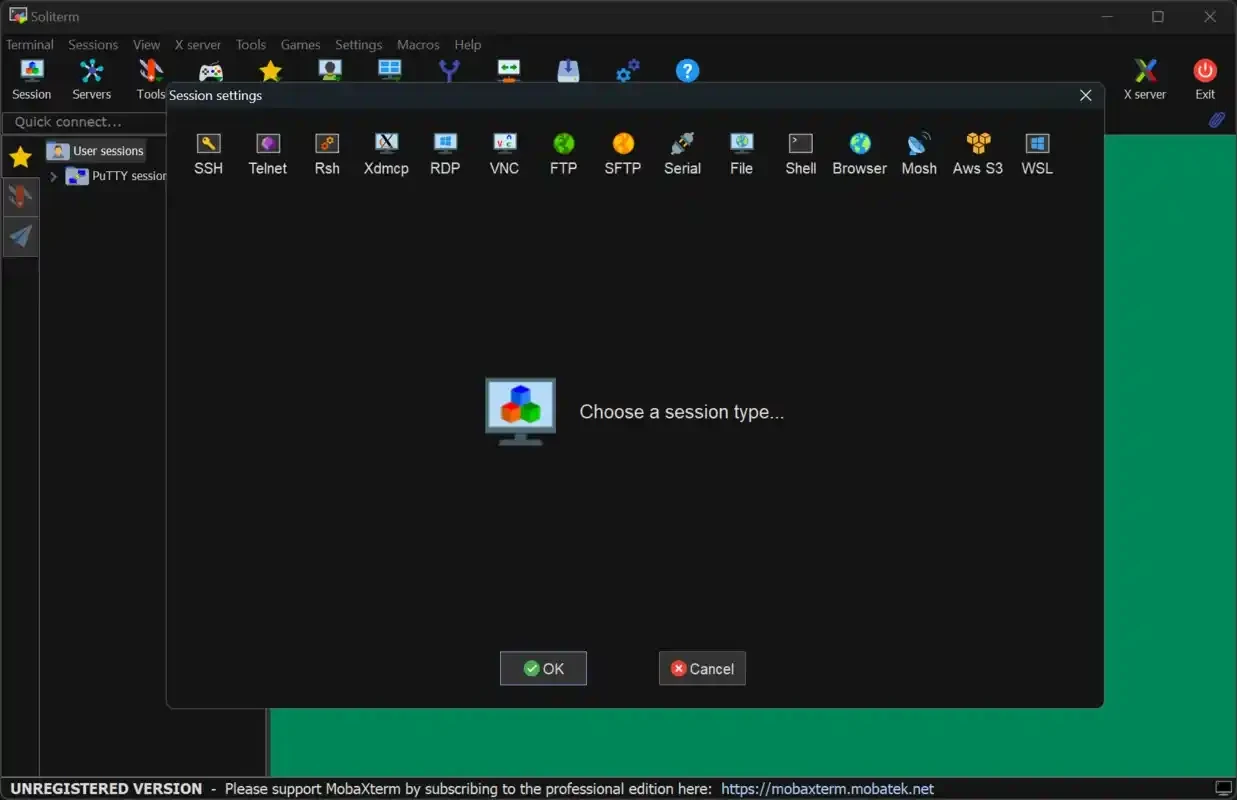
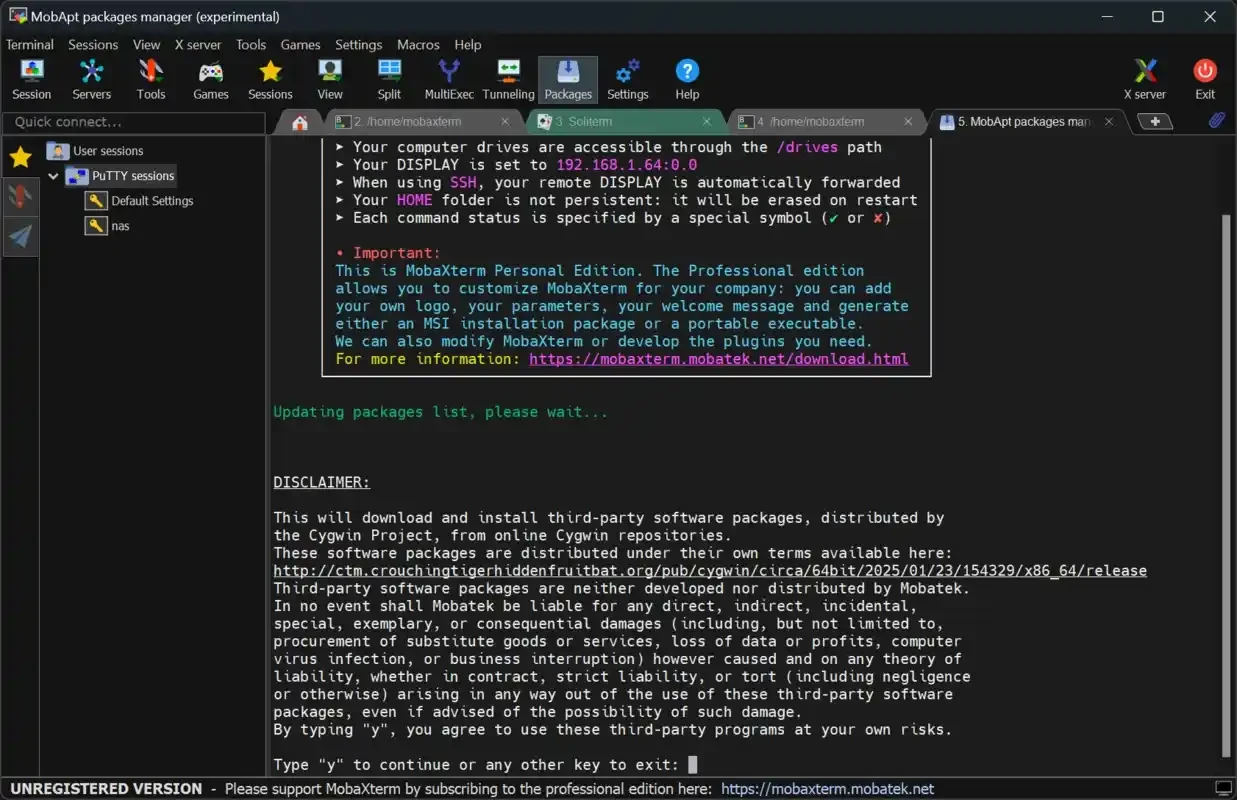
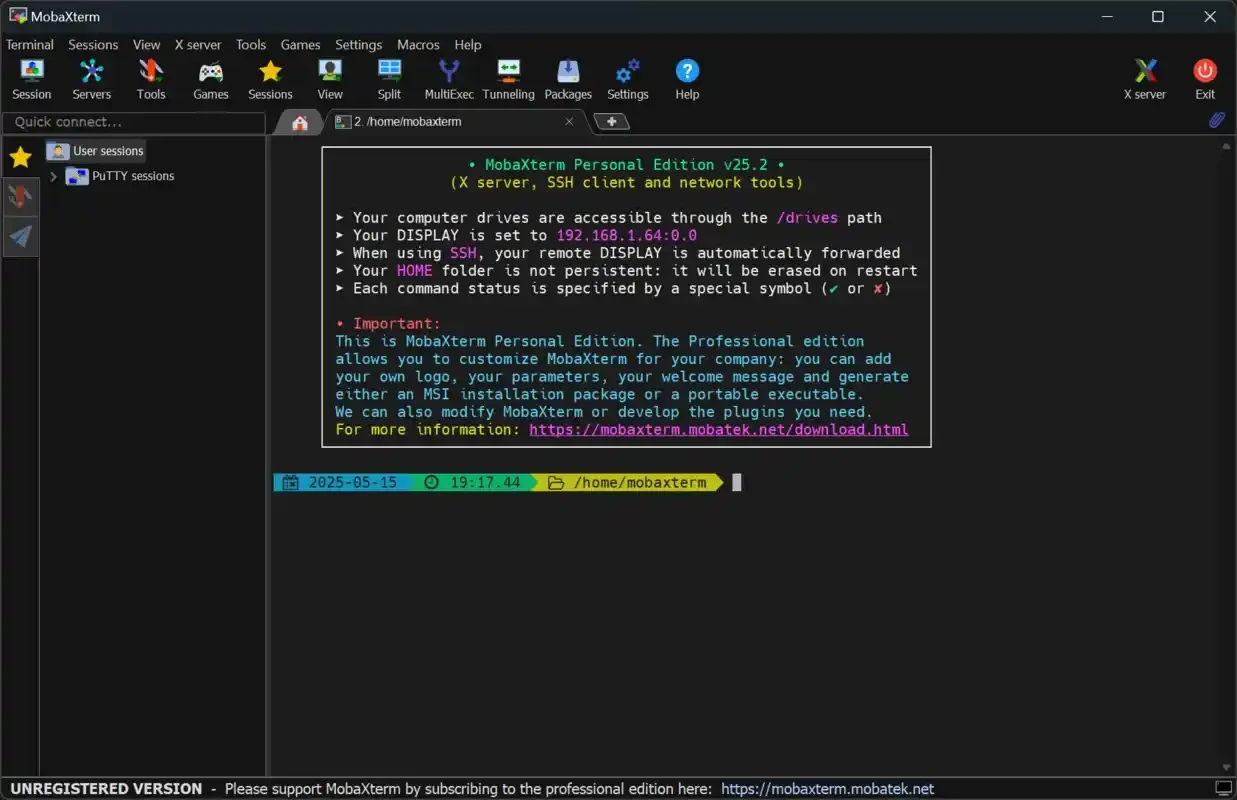
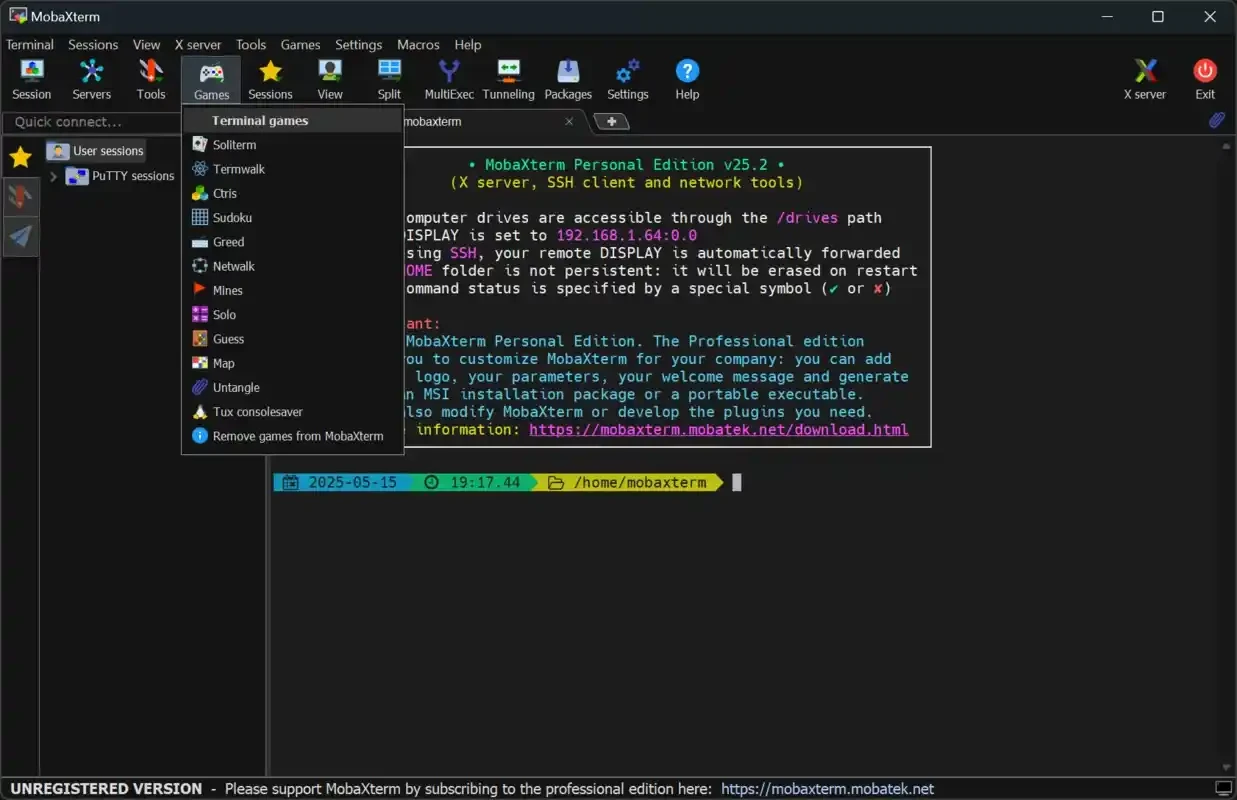
MobaXterm is a comprehensive tool used for managing remote computing, serving as an ultimate toolbox for Windows X server and an SSH client. It offers a plethora of features to handle remote jobs more easily, without requiring booting into a separate operating system. It offers awesome services for situations connected to system administration.
The app also offers deployment of legacy CLI-based software and tailors huge functionality to different scenarios, such as programming, IT administration, webmasters, and so on. It also makes it possible to log in to a remote computer and run graphical apps over it.
MobaXterm is a versatile tool to offer all-in-one network solutions to control remote as well as local administration environments on Windows PCs. It offers a comprehensive toolbox embedded with all important network tools, such as SSH, X11, RDP, VNC, FTP, MOSH, and even Unix commands, including bash, ls, cat, sed, grep, awk, rsync, and so on.
The app offers a more convenient and productive ecosystem for simplifying complex tasks for IT professionals, developers, and sysadmins, offering remote access to remote servers, databases, and some cloud services.
Specific tabs are available in the tree-view panel that is located in the left panel, allowing users to easily identify the sessions. The good news is that the sessions can be managed through an exclusive window. However, each session is available in a separate tab for quickly switching between them. There is no need to constantly toggle apps to get them according to your preferences. You can handle multiple tabs simultaneously, as you can group them, and also prioritize any tab for solving an urgent matter, while detaching the tab for easy access.
The Unix-based terminal offers support for multiple popular shells, such as bash, zsh, sh, and so on. It offers multitasking performance, including command execution, vertical/horizontal panels for split viewing, and also support for scripting, session logs, and custom aliases for automating repetitive tasks. The saving of your activity is also possible for later review.
It is another significant feature, allowing users to access a remote Linux server on Windows, open and use the apps. After connection, you will view the apps as running locally. The entire process is automated and needs no extra effort to set up or install more programs. In addition, the support for Telnet helps to run online roleplaying games and other text-based adventures. The theoretical compatibility of MUD and MUCK services helps to run these kinds of games.
It is another significant feature, as you will be capable of connecting to multiple devices and systems, using multiple connections, such as SSH, Telnet, VNC, FTP, and SFTP. Support for remote desktop (RDP) connections is also available for accessing Windows desktops remotely. In addition, you will find connection options via RLOGIN or RSH along with traditional SSH.
The integration with an SFTP browser helps to transfer files between local devices and remote servers, as after connection, a file browser appears on the left side of the interface automatically, and similar to Windows Explorer, the copying, moving, deleting, and renaming of files is possible. It also offers a drag-and-drop option for files, robust synchronization tasks, and so on.
This support helps to automate multiple tasks, improve productivity, and customize the functionality as well. It also offers a built-in text editor, enabling users to edit remote files right from the application. Moreover, the support for multi-execution saves your time and effort by executing commands on multiple remote servers at once. You will find support for multiple protocols and CLI apps, such as MOSH, RDP, VNC, cat, grep, ls, rsync, sed, and so on.
The intuitive interface is well-organized and offers a tabbed terminal for managing multiple connections easily. It is highly customizable, allowing users to make changes according to their preferences. The design offers quick access to all important features within neatly organized toolbars and enhances the user experience, remaining stable and ideal for sustained remote work sessions.
Pros
Cons

AnyDesk, a fast remote access to computers

Accelerated Downloading with Internet Download Manager (IDM)

SHAREit for PC is the best option for a P2P file-sharing process without using Wi-Fi.

ShareMe for PC, a freeware and streamlined file-sharing app

uTorrent, a powerful, lightweight, and fastest P2P file-sharing software

Xender for PC, an effective and convenient file transfer utility